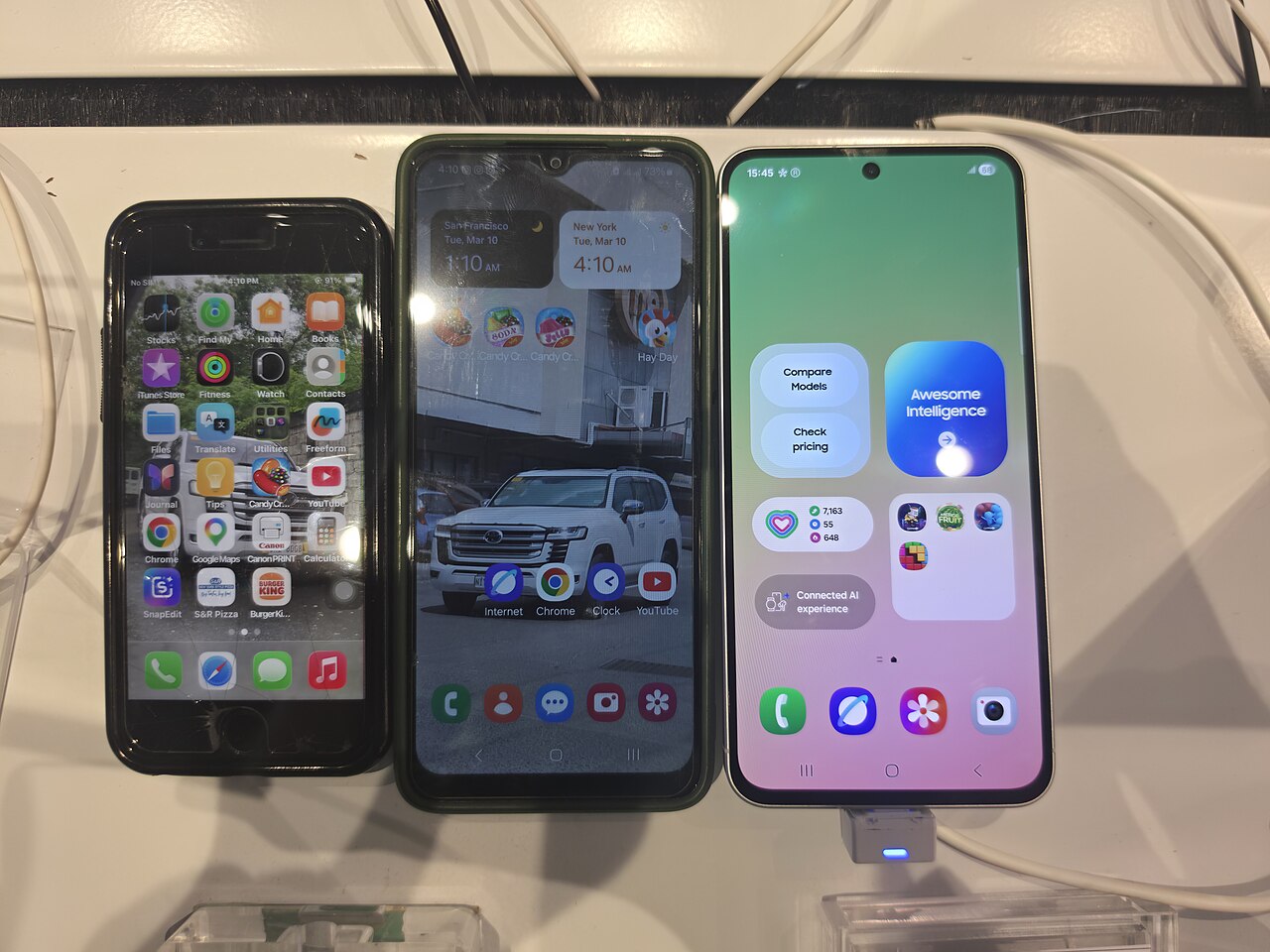
A general guide to phone care and repair. For hardware damage, have your phone checked by a trusted technician.
Based on experience handling dropped phones, protective accessories often help prevent more serious damage. However, their protection has limits because impact can be transferred to the frame and components inside the phone. Phone owners still need to choose suitable accessories and inspect their devices after an impact.
The role of screen protectors
A screen protector primarily serves as the first layer to absorb friction and minor impacts. It can reduce scratches caused by objects inside a bag or pocket while absorbing some of the impact when the front of the phone hits a hard surface. If the protector cracks after the phone is dropped, it does not necessarily mean the main screen is also broken.
Its protective ability largely depends on the angle of the fall. An impact directly in the center of the screen differs from one on a corner or edge of the phone. A screen protector also cannot always prevent damage to the internal display panel, such as lines, black spots, flickering, or a screen that remains dark even though the outer glass appears intact.
Cases absorb impacts
A case helps absorb and distribute impact energy before it reaches the phone's frame. The corners are particularly important because they are often the first points to hit the floor. A case that covers the sides well, has cushioning at the corners, and features edges slightly raised above the screen and cameras generally provides more comprehensive protection.
A case that is too loose may come off or allow the phone to shift when dropped. Conversely, a very rigid case without cushioning may not effectively absorb impacts. Its condition should also be checked regularly. A case that is cracked, deformed, or no longer grips the device securely should not continue to be relied upon.
Why phones can still be damaged
No protective accessory can guarantee that a phone will remain safe in every incident. The height of the fall, the floor surface, the point of impact, the device's weight, and small objects striking the screen can result in different types of damage. Falling onto a hard floor usually creates greater stress than falling onto a surface that can absorb impact.
Damage can also occur without obvious cracks. After a drop, check whether the screen is difficult to operate by touch, the colors have changed, the camera fails to focus, the buttons feel stuck, the body has separated, or the phone turns off and on by itself. Charging problems, unusual sounds, and excessive heat also require attention because an impact can affect internal connections or components.
Safe inspection after a drop
Place the phone on a flat surface and inspect the exterior without pressing on the body. Carefully remove the case if there is no deformation or suspicious gap, then examine the frame, screen, cameras, and back cover. Test the touchscreen, buttons, speaker, microphone, cameras, and charging function using appropriate standard equipment. Back up important data immediately if the device is still functioning normally.
Do not press a cracked screen, attempt to glue a separated body back together, or continue charging if the phone is swollen, smells unusual, becomes extremely hot, or makes a hissing sound. Turn off the device if it is safe to do so and keep it away from flammable materials. Take it to a technician if the screen malfunctions, the frame is bent, the cover is raised, the cameras are affected, or the phone's functions change after the drop.