A general guide to phone care and repair. For hardware damage, have your phone checked by a trusted technician.
A phone’s back glass usually cracks after the device is dropped, struck, compressed inside a bag, or exposed to unusual temperature changes. Even if the screen and main functions still work, the damage should not be ignored. From a technician’s perspective, an inspection is necessary to distinguish cosmetic cracks from impact damage that may also affect the frame, battery, camera, or charging components.
Warning signs to watch for
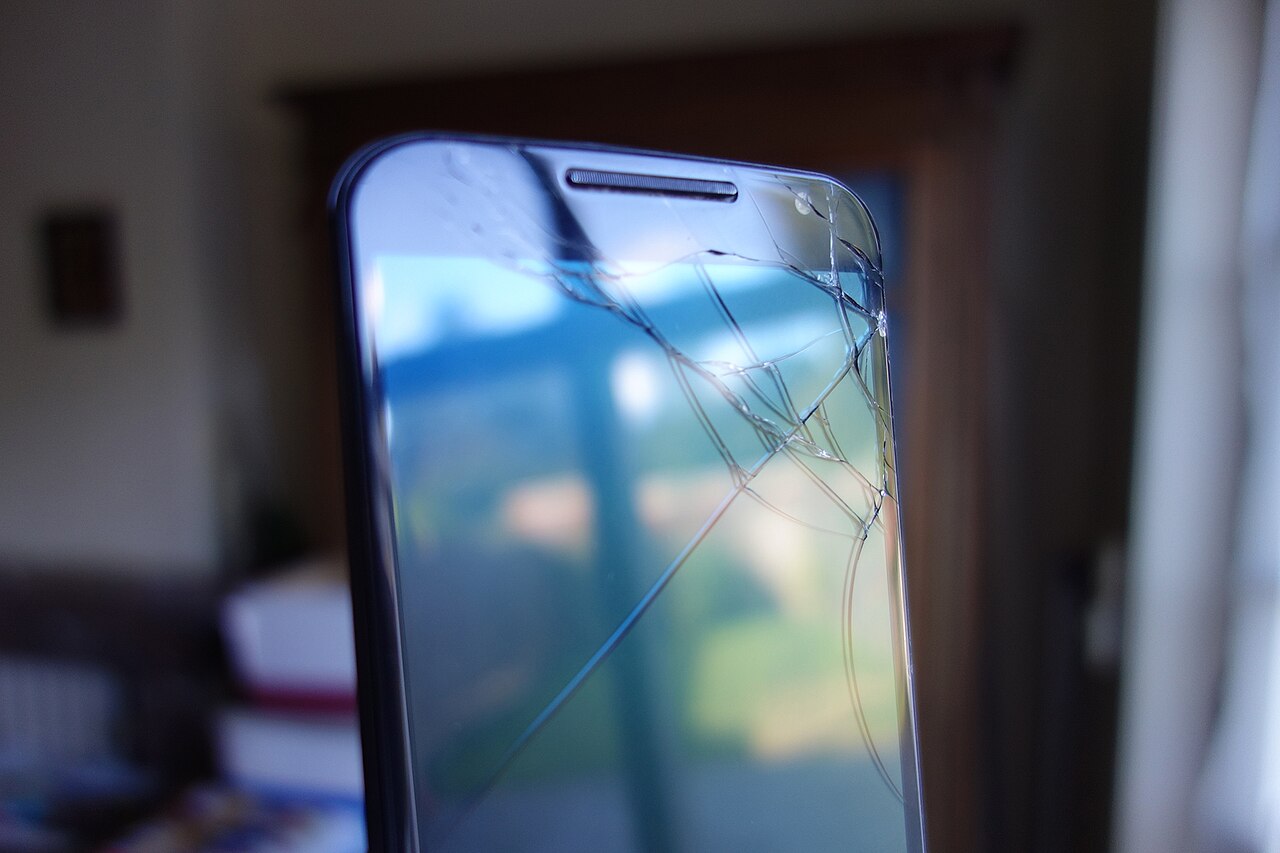
Cracks may appear as fine lines, spreading patterns, chipped corners, or sections of glass that have begun to lift. Phone owners may also feel sharp edges when holding the device. If the crack is near the camera, check whether the lens cover is also broken, photos appear hazy, or the camera has difficulty focusing. The back glass and camera lens cover are separate parts, so they may require different repairs.
Watch for other symptoms after an impact, such as a bent body, gaps along the frame joints, buttons that feel different, unstable charging, rapid overheating, or an unusual smell. A raised back panel should not be assumed to result solely from broken glass because it may be related to changes in the battery’s shape. Stop using and charging the device if any of these conditions appear.
Risks of continued use
Cracks reduce the device’s physical protection. Dust, moisture, sweat, and liquids can enter gaps more easily, especially if pieces of glass are missing. Once the body is cracked, its water resistance should no longer be considered reliable. Avoid taking the phone into the bathroom, placing it on a wet surface, or cleaning it with liquid sprayed directly onto the device.
Glass shards can injure fingers and continue to fall out when the phone is pressed or placed in a pocket. The same impact may also damage the frame, adhesive, wireless charging coil, or other components, depending on the device’s construction. Cracked glass alone does not necessarily cause electronic malfunctions, but any new symptoms following an impact should be inspected rather than covered with a case and forgotten.
Safe steps to take
Turn off the phone temporarily and inspect the back in a well-lit area without pressing the cracked section. Do not pry out shards, apply glue, heat the body, or attempt to remove the glass yourself. Replacement requires proper protective equipment and suitable tools because fragments can scatter, while incorrect heat or pressure may damage the battery and the components beneath the glass.
If no sections are raised and there is no excessive heat or sign of battery trouble, a well-fitting case may be used temporarily to reduce direct contact with the shards. Do not press a case too tightly onto a deformed body. Back up important data, limit activities that cause the phone to heat up, keep it away from liquids, and use a standard charger compatible with the device.
Proper repair at a service center
A technician should inspect the frame, battery, camera, body joints, and charging function before deciding on the appropriate repair. On some devices, the back glass can be replaced separately. On others, replacement may involve a complete back cover assembly or frame components. The appropriate option depends on the construction, extent of the damage, and availability of correctly matched parts.
After the repair, request checks of the camera, flash, microphone, buttons, charging, relevant wireless connections, and the device’s temperature stability. New adhesive helps reseal the body, but water resistance should not be assumed to have returned to its pre-damage condition. Take the phone to a technician promptly if the cracks spread, shards come loose, the body lifts, the device becomes hot, or any function changes after the impact.