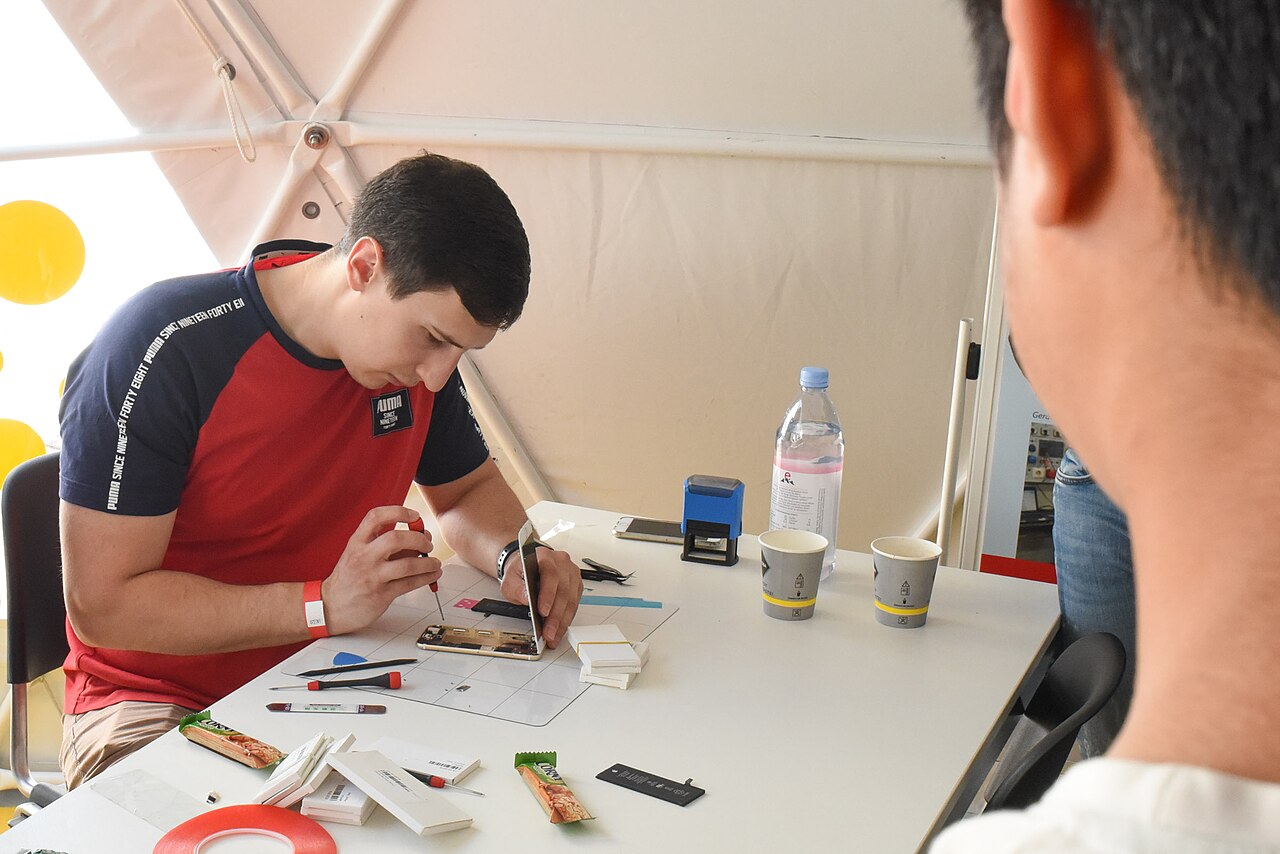
A general guide to phone care and repair. For hardware damage, have your phone checked by a trusted technician.
When a phone develops problems, its owner often faces two choices: repair the old device or switch to a replacement. From a technician’s perspective, the best decision depends on the type of damage, the device’s overall condition, component availability, and usage needs. A thorough inspection is more important than simply checking whether the phone still turns on.
Signs that a phone is still worth repairing
A phone is generally still worth repairing if the damage is limited to one part and its other functions remain normal. Examples include a cracked screen while the display and internal hardware continue to work reliably, a dirty or worn charging port, unresponsive buttons, a weakening speaker, camera problems, or a battery that drains quickly without other signs of damage.
The device’s history should also be considered. A phone that has rarely had problems, has never been submerged, has no bent frame, and can still run the required apps usually makes more sense to keep. Repair is a more convincing option when replacement components are available with clear specifications and the technician can test the device after installation.
Before visiting a repair shop, the owner may try safe steps such as restarting the phone, updating the system and apps, clearing storage space, checking the cable and an appropriate standard adapter, and backing up data. Do not disassemble the device or attempt to repair the battery yourself.
Conditions that call for reconsideration
Replacing the device should be considered when several important parts are damaged at the same time. For example, the screen may be faulty, the battery may be weak, the charging port may be unstable, and the frame may be deformed. Each part might be repairable, but a series of repairs may leave a risk of other problems emerging later.
A phone that frequently shuts down unexpectedly, becomes unusually hot, repeatedly fails to turn on, or continues to have problems after several repairs also requires more careful assessment. These symptoms may be related to the battery, power circuitry, main components, liquid exposure, or more extensive physical damage. A diagnosis cannot be confirmed from external symptoms alone.
Also consider whether the device can still meet everyday needs. If the system no longer supports essential apps, storage remains insufficient even after cleanup, or performance continues to interfere with communication and work, repairing a single component may not resolve the main problem.
Safety is the primary limit
Do not continue using a phone if the battery appears swollen, the screen or back cover is lifting, there is an unusual odor, the device becomes extremely hot while not in use, or there are signs of liquid inside the screen and camera areas. Turn off the device if it can be done safely, stop charging it, and keep it away from flammable materials.
A deformed battery must not be pressed, punctured, heated, or flattened. A phone that has recently been exposed to liquid should not be charged immediately. Using rice cannot replace an inspection because moisture and residue may remain inside the device. Such conditions require professional handling by a technician.
How to make the decision
Request an inspection and an explanation of the damaged parts, the most likely cause, the components that need to be replaced, and the tests that will be performed. Also ask whether the damage could affect other functions. A transparent initial diagnosis helps the owner distinguish a targeted repair from trial-and-error component replacement without certainty.
Assess the device as a whole rather than based only on its age. An older phone that is reliable and meets the owner’s needs may still be worth repairing. Conversely, a newer device may not be worth keeping if it has suffered severe damage from impact, liquid exposure, frame deformation, or recurring problems with major components.
Before handing over the phone, back up the data if the device is still usable. Remove the memory card and SIM card if necessary, enable repair mode if available, and record its physical condition. Never provide account passwords; if testing requires screen access, use a temporary setting that can be changed after the repair is completed.