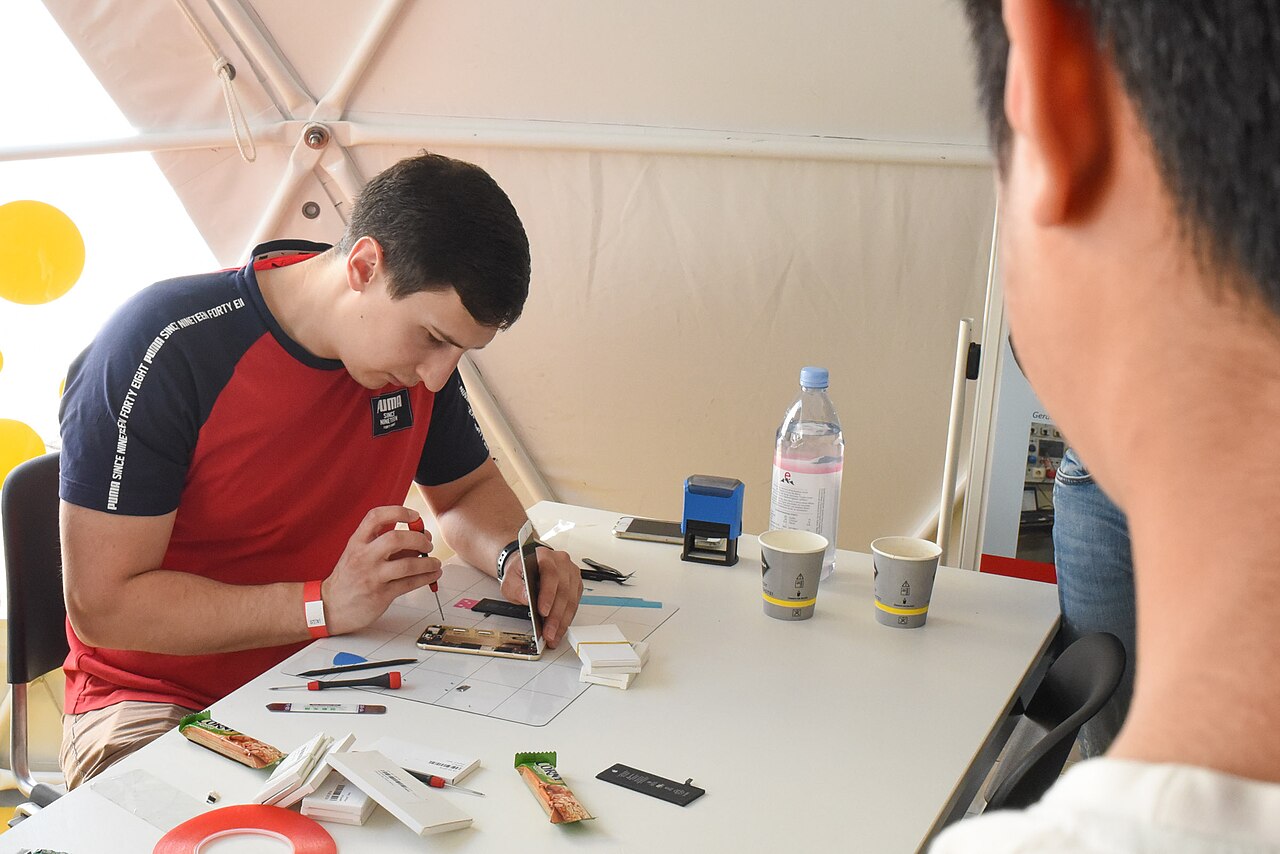
A general guide to phone care and repair. For hardware damage, have your phone checked by a trusted technician.
Choosing a phone repair shop should not be based solely on how quickly the work can be completed. Based on experience handling Android devices and iPhones, data security, transparency during inspection, and clear warranty terms are matters that should be checked from the outset. A few simple steps can help phone owners avoid data loss, unexpected charges, and disputes after repairs.
Check the device intake procedure
A well-organized repair shop will usually record the device’s identifying details, reported problems, physical condition, and any accessories submitted with it. Make sure scratches, cracks, screen and camera functionality, buttons, and the condition of the casing are inspected together. Ask for a receipt or work order that lists the reported problems and estimated work, and keep it until the device has been fully tested.
Ask whether there is a fee for the initial inspection, what work will be performed, and whether the technician will request approval before replacing any components. Do not leave the device if the staff are unwilling to explain the procedure, do not provide proof of receipt, or immediately promise results without conducting an adequate inspection.
Protect your data before the repair
Back up photos, contacts, documents, important conversations, and account recovery codes before handing over the device. After confirming that the backup is accessible, remove the SIM card and memory card if they are not needed for testing. Do not leave password notes inside the box or with the device.
Ask whether the problem can be inspected without unlocking the screen. If access is required to test the camera, microphone, network connection, or sensors, use repair mode or maintenance mode if it is available on the device. If the feature is unavailable, create a temporary passcode and change it again after the repair is completed. Never provide the password for your primary account, verification codes, banking PINs, or another customer’s personal information.
For a phone that still powers on, prevent sensitive notifications from appearing on the lock screen and sign out of important apps if possible. If the device is completely unresponsive and cannot be backed up, tell the technician that the data must be preserved. However, understand that storage damage or certain procedures may make the data impossible to recover, so a responsible repair shop will not make an absolute promise of recovery.
Make sure the work and warranty terms are clear
Before approving the repair, ask for an explanation of the diagnosis, the components to be replaced, the quality of the replacement parts, and any risks to other functions. Approval should be given after the scope of work has been documented. If additional damage is discovered, the repair shop should contact the owner first rather than immediately replacing parts beyond what was agreed.
The warranty should be explained in writing, including what it covers, how long it remains valid, the claim requirements, and the conditions that void it. A repair warranty generally applies to specific work or components, not to damage caused by drops, liquid exposure, pressure, or new incidents. Avoid relying on verbal promises that are not stated on the receipt or repair document.
Test the phone before taking it home
After the repair, check the functions related to the original problem and any parts that may have been affected by the work. Test the touchscreen, charging, sound, microphone, cameras, buttons, network connection, and sensors as needed. Also inspect the casing for proper reassembly and make sure that all accessories left with the shop have been returned.
Ask for a brief explanation of the components that were replaced and any post-repair care instructions. Keep the receipt, warranty document, and records of repair approvals. After receiving the device, change the temporary screen passcode, review the devices signed in to your accounts, and re-enable any security protections that were previously turned off. Contact the repair shop promptly if the same problem reappears during the warranty period.