A general guide to phone care and repair. For hardware damage, have your phone checked by a trusted technician.
Buying a used phone requires a more thorough inspection than simply turning it on and trying the camera. During service inspections, problems often become apparent only after the phone has been used for a while, charged, or used to make calls. Basic checks cannot guarantee that every component is working properly, but they can help identify warning signs before a purchase.
Check the body, screen, and touch response
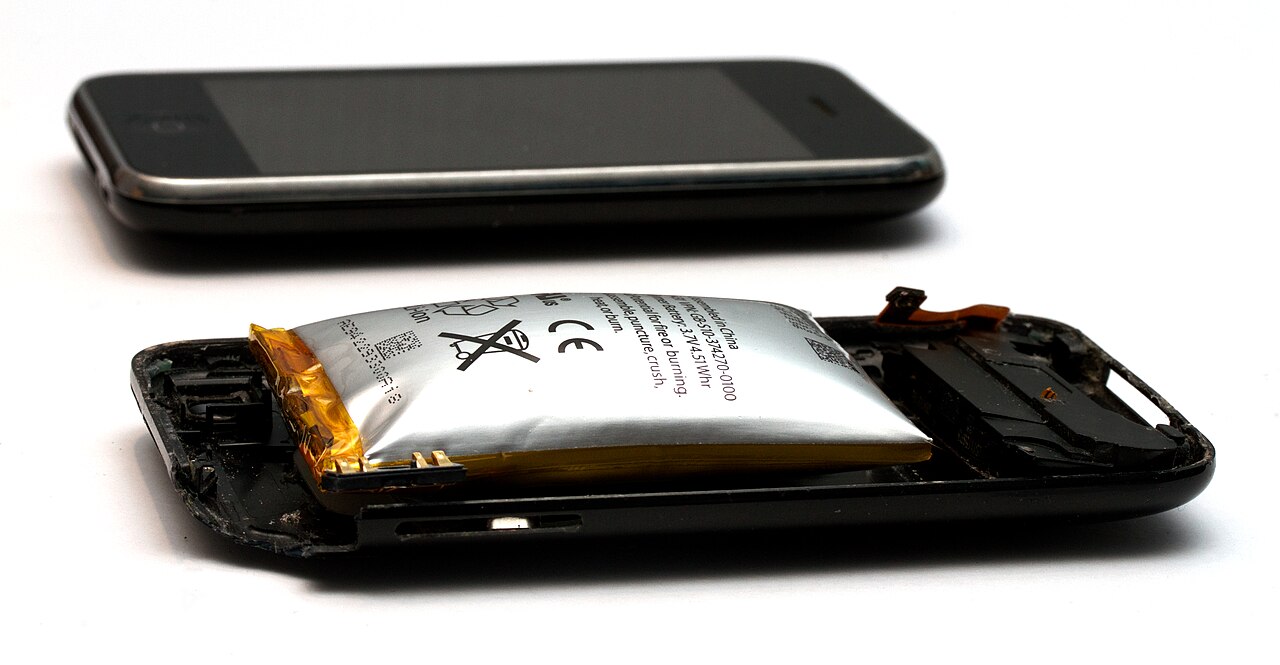
Examine the device from different angles in adequate lighting. Look for cracks, a visibly bent frame, uneven gaps around the cover, and any lifting of the screen or back cover. These conditions may be related to impacts, poorly fitted components, or a swollen battery. If any part is lifting, do not press it back into place, and stop testing the charging function.
Display solid light and dark images to check for lines, patches, flickering, or persistent image retention. Adjust the brightness gradually, then try typing and dragging objects across the entire screen. Intermittent touch response or phantom touches may be caused by problems with the screen, the screen protector, moisture, or other components. Do not accept the assumption that a system update will necessarily fix everything.
Press the power and volume buttons normally. Make sure the buttons do not stick, the body does not shift when held gently, and no gaps open up. Minor scratches are generally cosmetic, but structural damage requires further inspection.
Test the battery and charging under normal conditions
Use the phone for light activities, such as opening settings, playing a video, and trying the camera. Watch for unexpected shutdowns, restarts, or unusual changes in the battery indicator. A deteriorated battery can cause these problems, but system faults and power circuitry issues can produce similar symptoms.
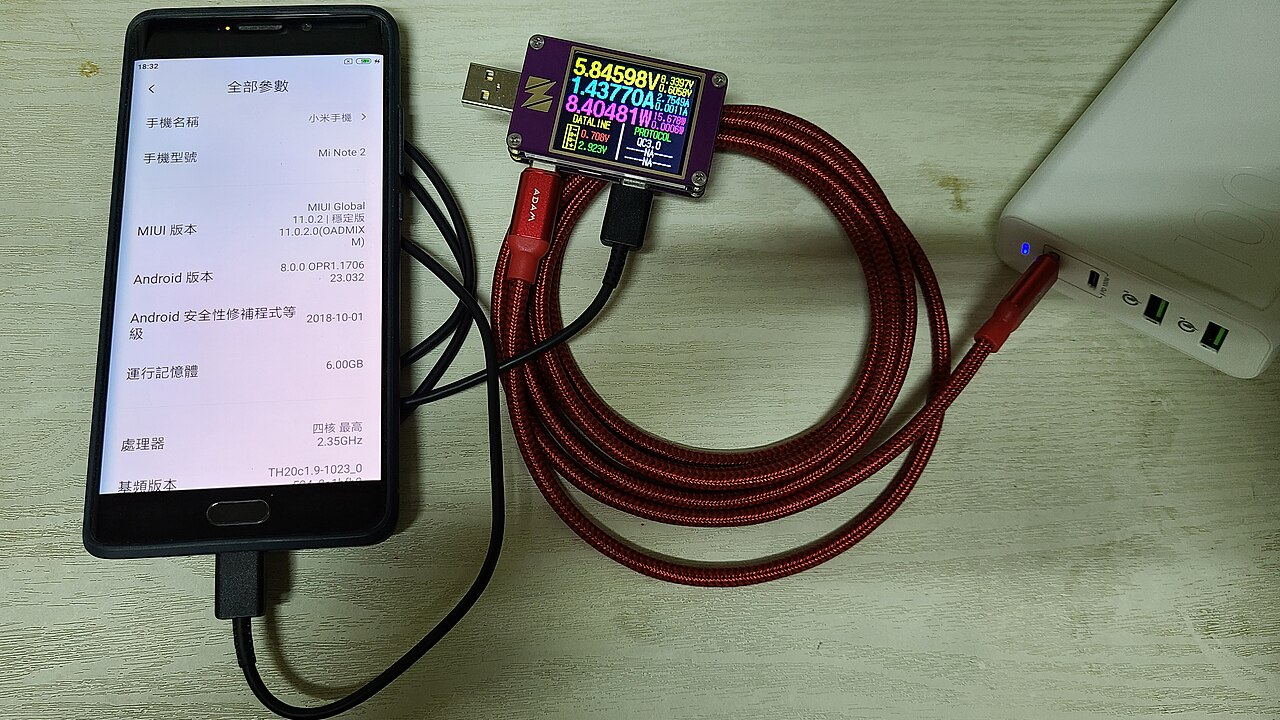
If available, check the battery health information in settings. Treat it as an additional clue, not the sole measure of the battery’s condition. Test charging with a cable and adapter that meet the device’s specifications. Make sure the connection remains stable without having to hold the cable in place or at an angle. Do not pick at the port with a metal object or force the connector into it.
Some warmth during use or charging can be normal. However, stop testing if the device feels excessively hot, displays a temperature warning, gives off an unusual smell, or its casing begins to lift. Do not try cooling it in a refrigerator or continue charging to see whether the symptoms disappear.
Try the communication features and sensors
With the seller’s permission, test calls using an active SIM card. Listen to the sound through the earpiece and loudspeaker, and make sure the microphone picks up speech clearly. Also try mobile data, Wi-Fi, and Bluetooth. Signal problems may originate from the network or SIM card, so uncertain results should be retested under reasonable comparison conditions.
Open the front and rear cameras, take photos, and record a short video. Check the focus, any persistent spots, the recorded sound, and the app’s stability. Test the fingerprint sensor or facial recognition if available, without asking the seller to share their passcode. During a call, check whether the screen dims when the top of the device is brought close to the face.
Ask about any history of drops, liquid exposure, and component replacements. Compare the seller’s answers with the device’s condition. Do not test water resistance by wetting or submerging the phone, because its level of protection cannot be determined from its external appearance.
Make sure accounts are removed before buying
Ask the seller to sign out of their accounts through the official procedures and disable any ownership-related locking features. After the seller has backed up their data, reset the device through the official settings menu with their consent. Make sure setup can proceed without requiring the previous owner’s account. Do not accept promises that an account lock can be resolved later.
Also be alert to devices displaying restrictions imposed by an organization’s device management. If ownership is unclear, essential functions fail, or the device repeatedly shuts down on its own, postpone the purchase. An inspection by a technician, with the seller’s consent, is worth considering when there are signs of damage that cannot be assessed through basic testing.