A general guide to phone care and repair. For hardware damage, have your phone checked by a trusted technician.
A phone camera that suddenly becomes blurry does not necessarily have a damaged camera module. Fingerprints, camera covers, and shooting distance can all make photos lose sharpness. However, fog behind the camera glass requires a different approach, especially if it appears after the phone has been exposed to water or moved from a cold place to a warm, humid environment.
Distinguish between a dirty lens, focusing problems, and condensation
Start by examining the camera glass under adequate lighting without shining a strong light source directly into the lens. Oily marks usually look like smears on the surface and cause light to spread out in photos. Condensation appears as a layer of fog or water droplets. If it is on the inside of the glass, wiping the outside will not remove it.
Try photographing a stationary object in adequate light, then tap the object on the screen to set the focus. Do not place the object too close, as every camera has a minimum focusing distance. Compare the front and rear cameras using the phone’s built-in camera app. If the problem occurs on only one camera, mention that during an inspection so the technician can narrow down the cause.
Clean the outside without damaging the coating
Use a clean, dry microfiber cloth to gently wipe the camera glass. Make sure there is no sand or coarse dust that could scrape against it. Do not use rough tissues or household cleaners, or spray liquid directly onto the camera. Strong pressure is not necessary to remove fingerprints.
Check whether the case covers the edges of the camera or an additional protector looks dirty, cracked, or out of position. Remove any easily removable case, then repeat the test. Do not forcefully pry off a firmly attached protector. If the camera glass looks cracked, stop applying pressure while cleaning and keep the phone away from water, as the crack can allow moisture to enter.
Address condensation without heat or unsuitable absorbent materials
When a phone moves from a cold room into warm, humid air, water vapor can condense on its surface. If the condensation is only on the outside, dry it with a soft cloth and let the phone adjust to the temperature in a shaded, well-ventilated place. Do not use a hair dryer, leave it in direct sunlight, or place it against a heat source.
If the fog is inside the camera, water droplets appear, or the phone has recently been exposed to liquid, turn the device off and do not charge it. Dry the outside without shaking the phone or inserting objects into its openings. Do not bury it in rice; dust and fragments can enter gaps. The disappearance of fog is not proof that the inside is dry and safe to use.
Know the limits of checking the phone yourself
For blurry images without signs of moisture or impact damage, close and reopen the camera app, then restart the phone. Clean the lens, use adequate lighting, and test without digital zoom. Digital zoom can make details look grainier, so it is not a suitable starting point for assessing the camera’s condition.
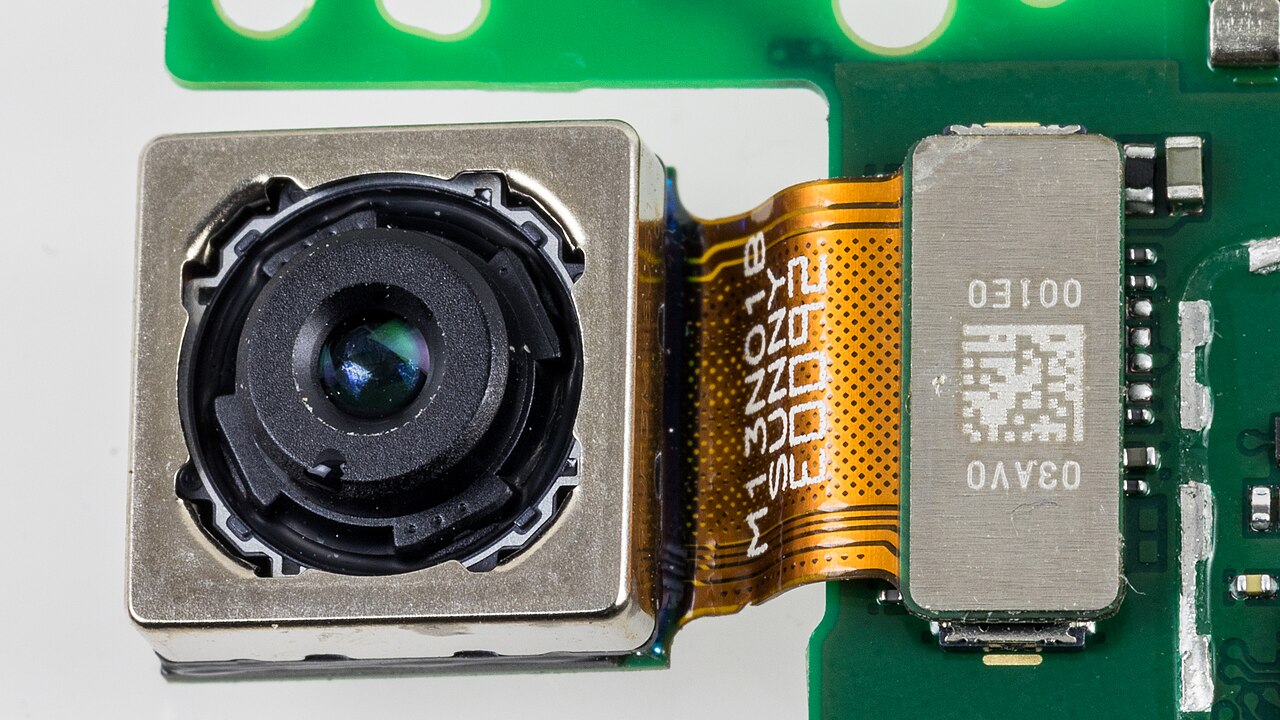
Take the phone to a technician if condensation is visible inside, keeps returning, or appears after exposure to liquid. An inspection is also needed if the camera repeatedly fails to focus in bright conditions, the image on the screen shakes while the phone is still, or the problem begins after an impact. Explain the sequence of events and the steps you have already tried. The technician needs to inspect the protective glass, the focusing system, and any signs of liquid entry before deciding how to proceed.