A general guide to phone care and repair. For hardware damage, have your phone checked by a trusted technician.
After dropping a phone, owners usually check the screen and try to turn it on immediately. However, checks should begin with its physical condition and any warning signs before moving on to everyday functions. From a technical inspection standpoint, a phone that still turns on is not necessarily undamaged, but an impact does not always mean its internal components need replacing.
Check for warning signs first
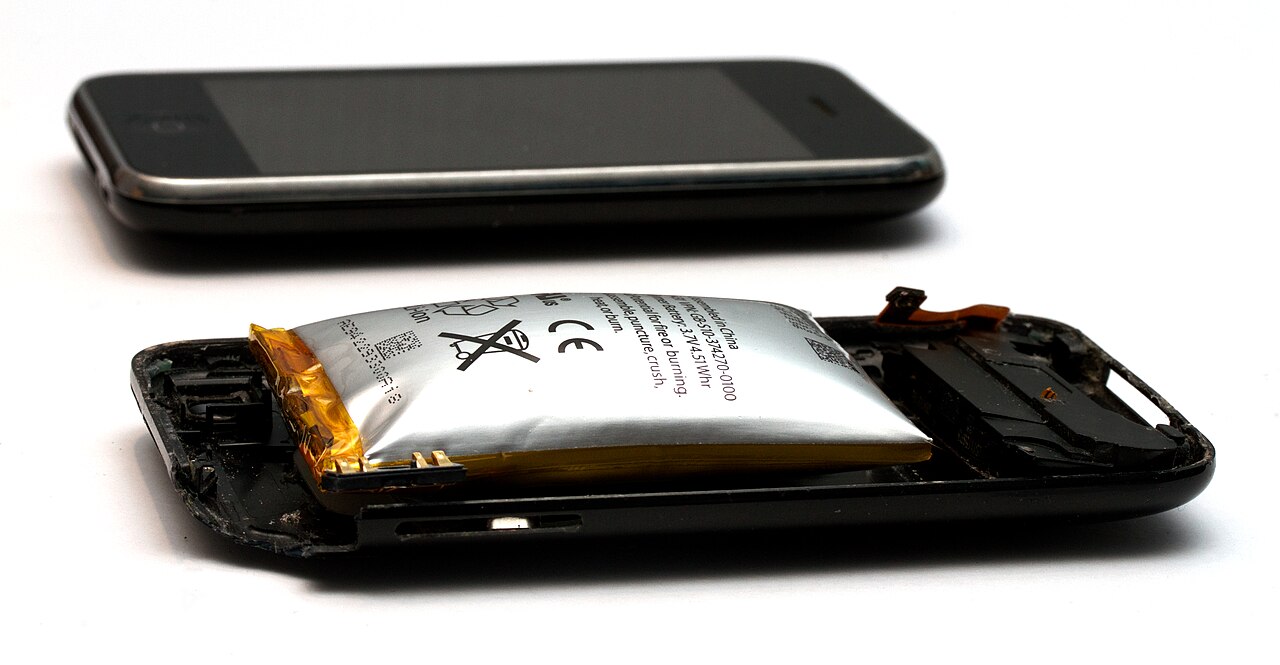
Before pressing any buttons or connecting a charger, check whether the body is deformed, the screen is lifting, the back cover has come loose, or there is unusual heat. A strong odor, hissing, and smoke are also warning signs. An impact can damage the battery, so do not test a phone showing these signs by repeatedly turning it on or charging it.
If these signs appear, stop using the phone and do not connect it to a power source. Turn it off only if you can do so safely without touching hot or damaged areas. Do not press the body back together. Keep people away from a smoking device, and do not try to carry it yourself while it is still hot or emitting smoke. Ask a technician for safe handling instructions; if a fire occurs, contact local emergency services.
Inspect the body, screen, and cameras
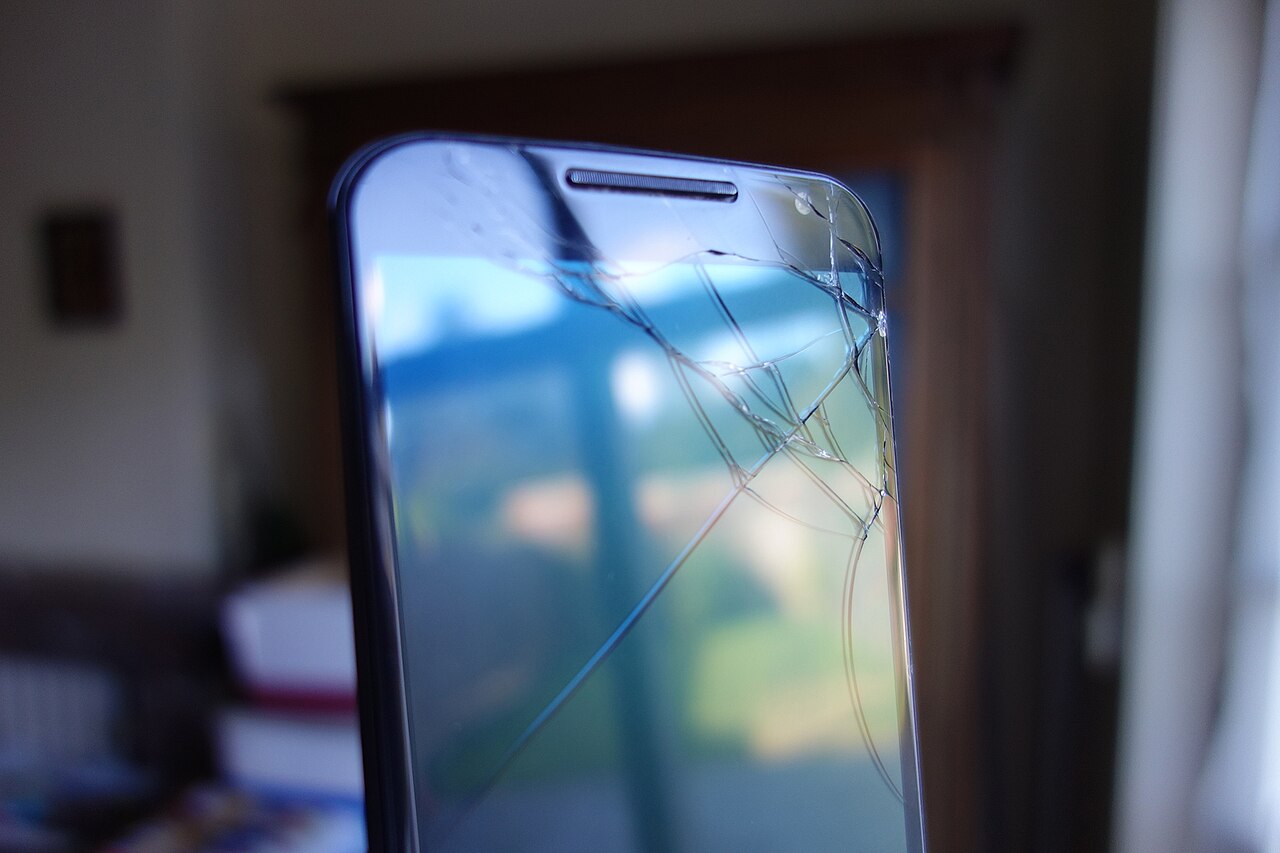
If there are no warning signs, place the phone on a flat surface with adequate lighting. Remove the protective case only if it comes off easily without putting pressure on damaged areas. Inspect the corners of the frame, front glass, back cover, and camera glass. Do not run your fingers over cracks, as glass fragments can injure your hands. A bent body or gaps along the seams need to be checked by a technician.
Turn on the screen if the device is safe, then look for lines, dark spots, flickering, or discoloration. A cracked screen protector does not automatically mean the panel underneath is damaged, but the panel's condition cannot be determined from external cracks alone. Test light touches in several areas using the normal menus. Do not press on spots or cracks to try to restore the display. After an impact, do not rely on the device's water resistance or test it with water.
Test basic functions without forcing anything
Keep tests brief and perform them in stages. Try the power and volume buttons, play audio at a moderate level, then make a short voice recording to check the microphone. Open the front and rear cameras, then check whether the images look normal and the focus works. Also check Wi-Fi and cellular connections through normal use, without sharing personal data or calling emergency numbers for testing.
An impact can damage the screen, buttons, camera modules, or internal connections. Symptoms include an unresponsive touchscreen, a camera that fails to focus, audio cutting out, or the device shutting down on its own. If a particular function fails, note the symptoms and do not keep repeating the test. Avoid shaking the phone to listen for loose components, as sound alone is not a basis for diagnosing damage.
Back up data and decide when to seek repairs
If the phone remains stable and shows no warning signs, back up important data using its built-in backup feature. If the battery needs charging, make sure the body and port are undamaged and free of moisture, with no unusual heat or odor. Use a charger that meets the device's standards and monitor the initial charging period. Stop if unusual heat, an odor, or intermittent charging occurs. Do not insert objects into the port or force the connector.
Take the phone to a technician if there are hazardous cracks, a bent frame, a lifting screen, touch problems, camera issues, or repeated unexpected shutdowns. Changes in temperature and battery life after a fall also need attention. Explain which part hit the floor, the device's condition afterward, and the symptoms you have recorded. This information helps with the inspection without requiring you to attempt repairs yourself.